Plan and billing

Change your plan and pay on the Account tab.

Open dashboard

Change your plan

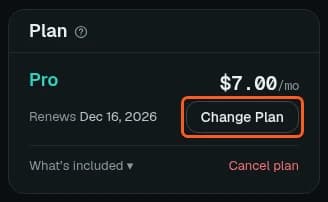
  1. Click Change Plan.

    Plan box: the Change Plan button
  2. Click Upgrade or Downgrade on the plan you want.
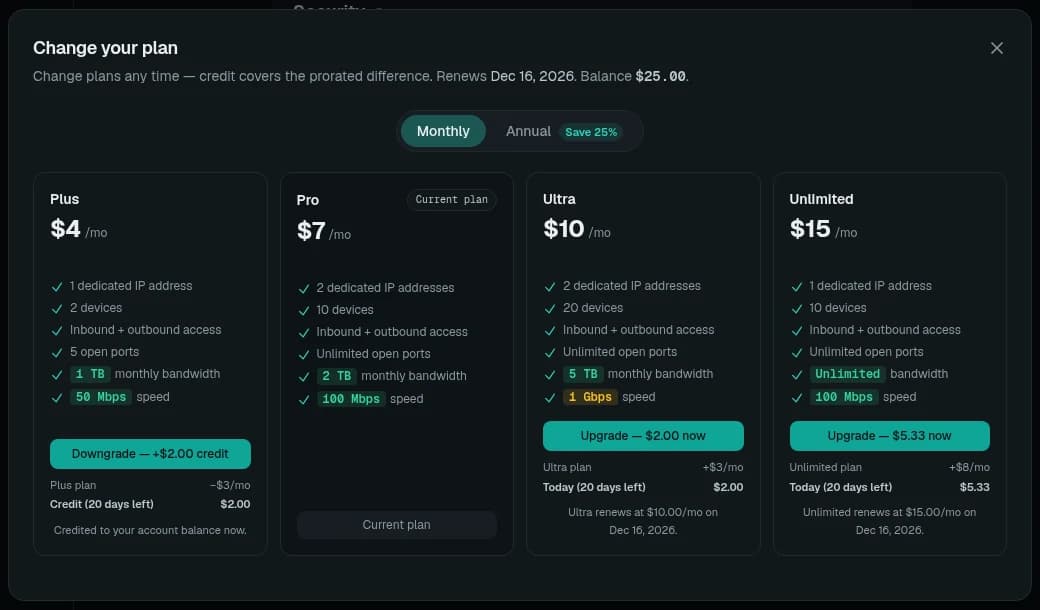
    Change your plan dialog: Plus, Pro, Ultra and Unlimited, with Downgrade and Upgrade buttons and their prices

Add credit

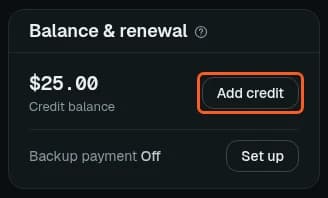
  1. Click Add credit.

    Balance & renewal box: the credit balance and the Add credit button
  2. Card: click an amount, Card, then Add … via card.
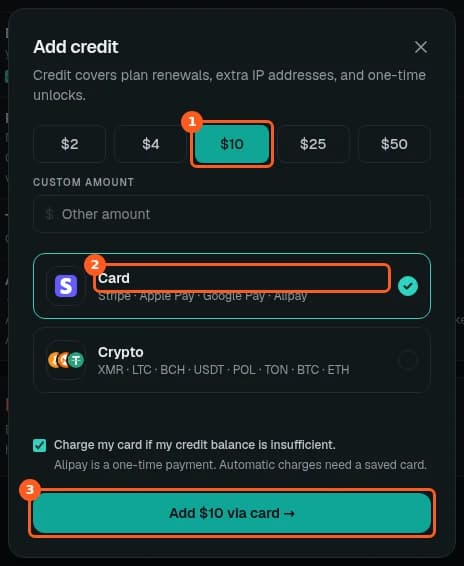
    Add credit dialog: $10 selected, Card selected, and the Add $10 via card button
  3. Crypto: click an amount, Crypto, then your coin. Send the exact amount shown.
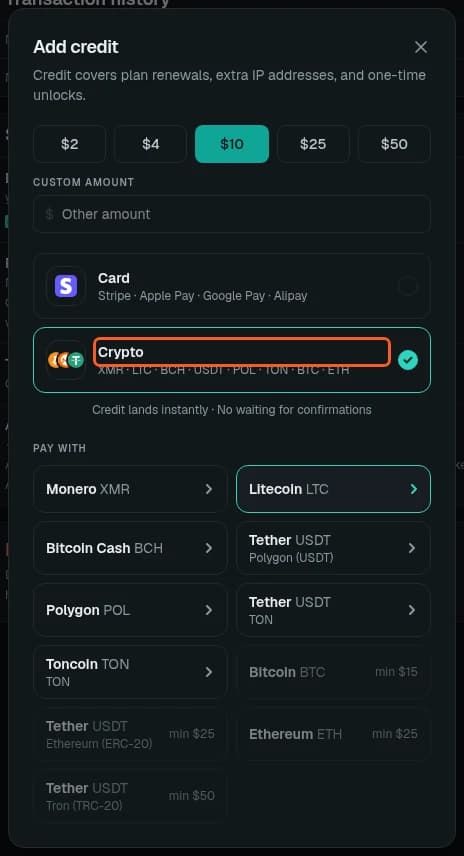
    Add credit dialog: Crypto selected, and the list of coins under Pay with

Set a backup payment

The card is charged only if your credit is too low at renewal.

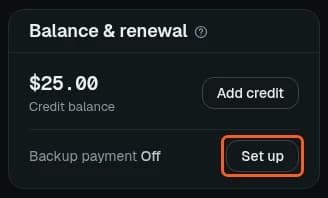
  1. Click Set up and enter your card.

    Balance & renewal box: Backup payment Off, and the Set up button

Cancel your plan

Your service runs to the end of the paid period. Then your IPs are released.

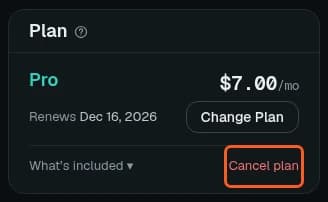
  1. Click Cancel plan.

    Plan box: the Cancel plan link
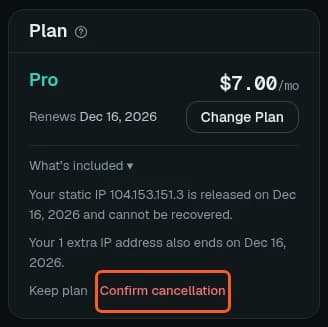
  2. Click Confirm cancellation.

    Plan box: the release date of the static IP, Keep plan, and Confirm cancellation
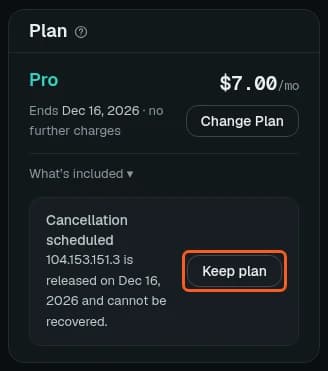
  3. To undo: click Keep plan.

    Plan box: Cancellation scheduled, and the Keep plan button

See your usage

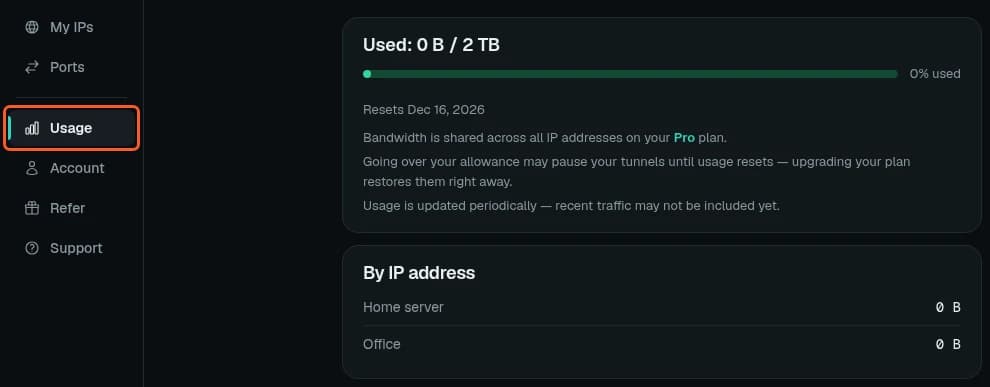
  1. Click the Usage tab.

    Usage tab: bandwidth used of the monthly allowance, the reset date, and usage by IP address