Account and security
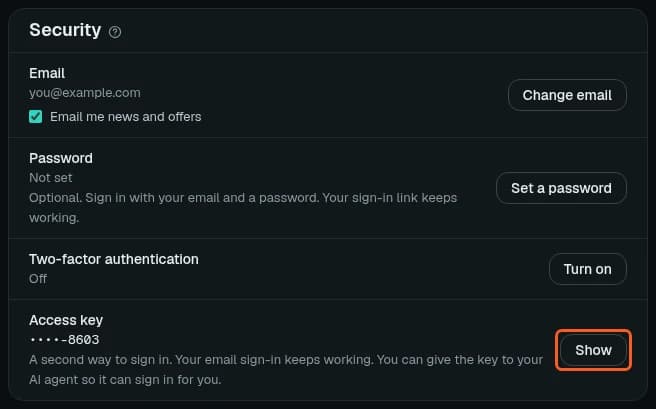
Sign-in settings are in the Security box on the Account tab.
Change your email
Click Change email.

Type the new address and click Send confirmation link.
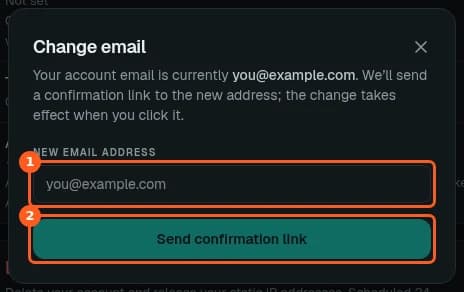
Click the link in the email we send you.
Set a password
Click Set a password.
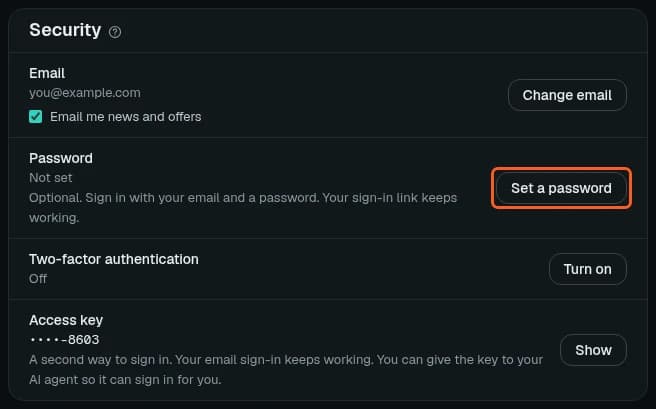
Open the link in the email we send you and type your password.
Turn on two-factor login
Click Turn on.
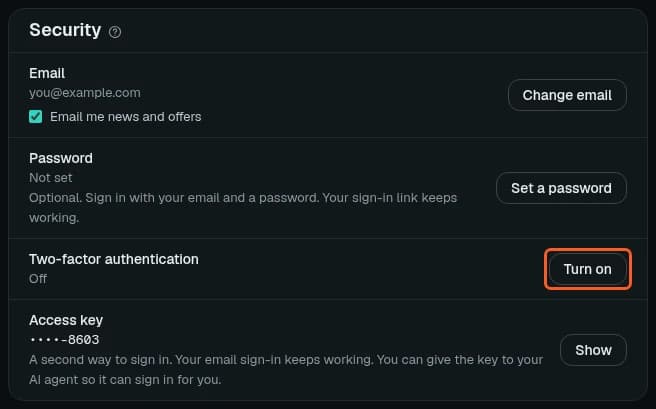
Scan the QR code with your authenticator app, type the 6-digit code, click Turn on.
Save your recovery codes.
See your access key
The key gives full access to your account. Keep it secret.
Click Show.
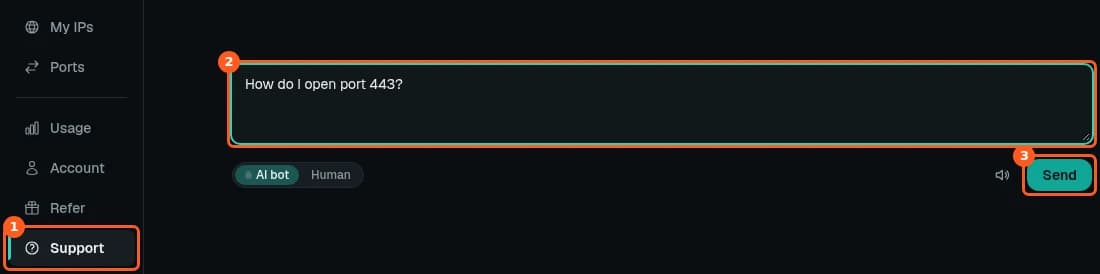
Get support
Click the Support tab, type your question, click Send.
Invite friends
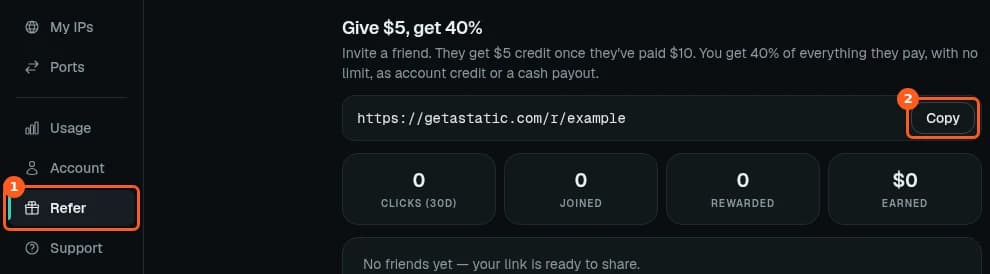
Click the Refer tab, then Copy. Send the link to a friend.